Fly & Fight: Protocol
A comprehensive guide to the WebSocket communication protocol used in Fly & Fight. Learn how clients, server, and display communicate in real-time.
Architecture Overview
System Components
Fly & Fight uses a three-component architecture where all game logic runs on the server. Two client types connect via WebSocket: GameScreen for rendering and Companion for input.
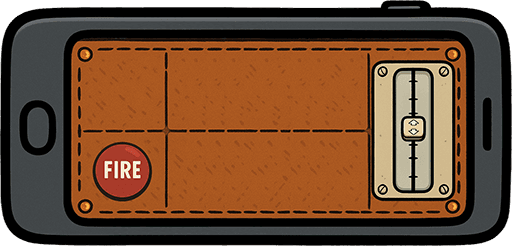
Companion
React mobile controller for player input. Sends engine_control, pitch_control, and shoot messages. Receives player feedback (death, damage, respawn).
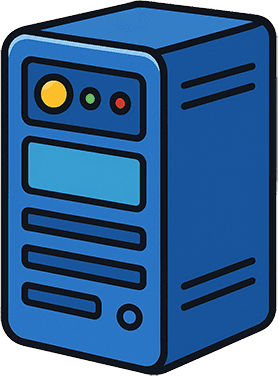
Server
Authoritative game server running on Bun. Handles physics simulation, collision detection, player state, and broadcasts game updates at fixed tick rate.

GameScreen
Phaser.js client that renders the game world. Receives game_state, static_objects, and world_config messages. Display-only, sends no game input.
Communication Flow
Data Flow Overview
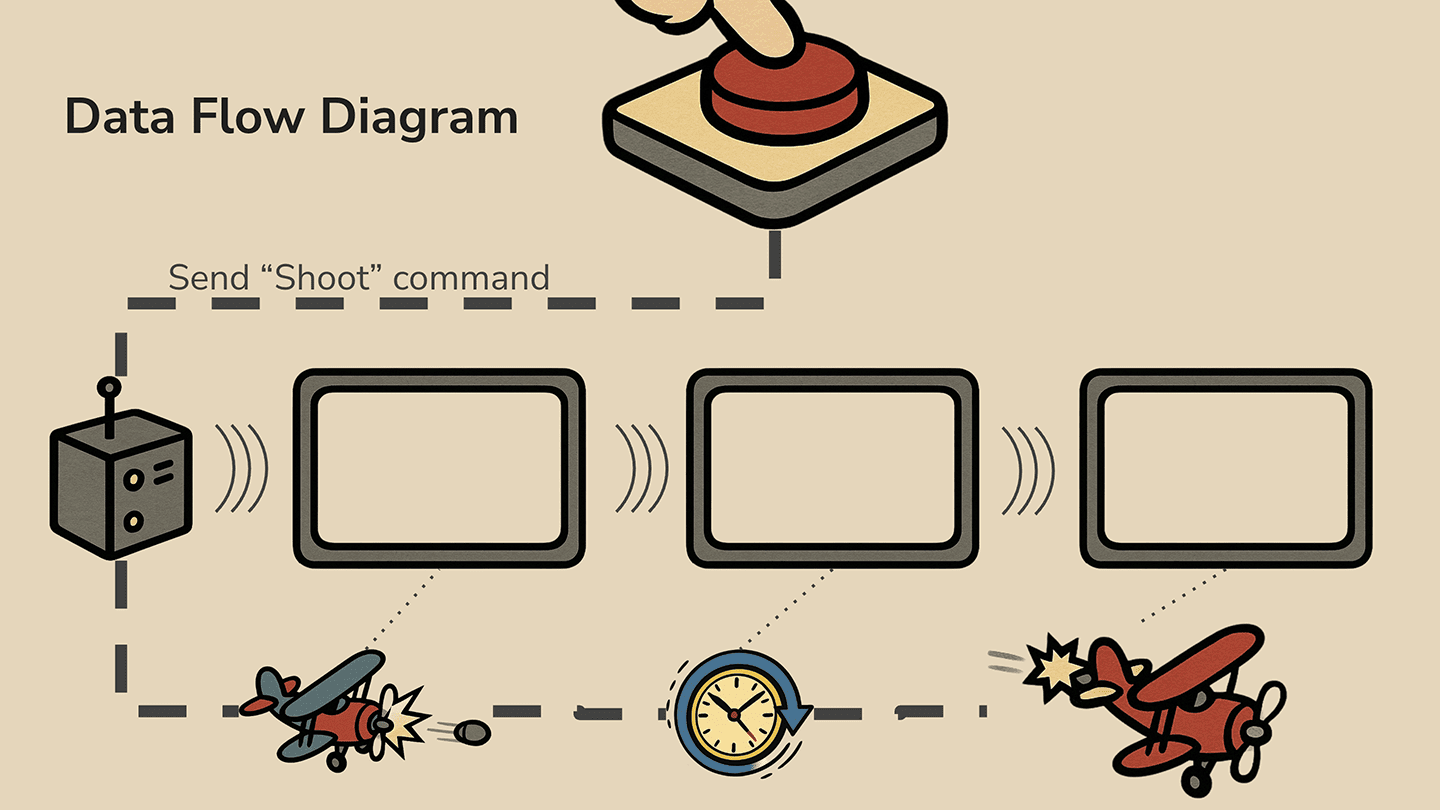
engine_control, pitch_control, shoot, ping
game_state, static_objects, world_config
player_joined, player_left, player_death, player_respawn, player_damage, pong
Client-Server Communication
Basic Patterns
Connection Establishment
Clients connect via WebSocket. Server immediately sends a user_connected message with a unique userId. Color is assigned for Companion clients.
// Coming soon: UserConnectedMessage example
Client Types
Two client types are supported: companion for mobile controllers and game_screen for displays. The server routes messages differently based on client type.
// Coming soon: ClientType enum usage
Heartbeat / Keep-alive
Clients send ping messages periodically. Server responds with pong. Used to detect disconnections and measure latency.
// Coming soon: Ping/Pong message flow
Disconnection Handling
When a player disconnects, server broadcasts player_left message to all clients. The player is removed from game state and their airplane despawns.
Server → GameScreen Communication
Game State Updates
The server is authoritative - GameScreen only receives state, never sends game input. All rendering is based on server-provided data.
World Configuration
Sent once on connection. Contains worldScale and worldWidth for proper rendering setup.
// Coming soon: WorldConfigMessage structure
Static Objects
Sent once on connection. Contains ground, trees, and barns with positions and dimensions. Object types: ground, tree, barn, bullet.
// Coming soon: StaticObjectsMessage structure
Game State Broadcast
Sent at fixed tick rate. Contains all airplane states (position, angle, velocity, HP, engine status) and bullet states (position, angle, owner).
// Coming soon: GameStateMessage with AirplaneState and BulletState
Player Events
player_joined: New player with position, color, facingDirection, HP.
player_death: Death cause (ground, tree, barn, bullet) and respawn time.
player_respawn: New spawn position and initial state.
player_damage: New HP value and attacker ID.
// Coming soon: PlayerDeathMessage and PlayerRespawnMessage
Companion → Server Communication
User Input
The Companion app is the mobile controller. It sends input commands and receives player-specific feedback (death, damage, respawn events).
Engine Control
Toggle airplane engine on/off. When engine is off, the plane glides and loses altitude. Simple boolean: engineOn true/false.
// Coming soon: EngineControlMessage example
Pitch Control
Controls airplane pitch angle. Value from -1 (dive) to 1 (climb). Sent continuously as the player moves the control.
// Coming soon: PitchControlMessage example
Shoot Action
Fire a bullet. Simple message with no payload - server handles cooldown and bullet spawning.
// Coming soon: ShootMessage example
Server Feedback
Companion receives player-specific events:
player_damage: Shows damage taken and attacker.
player_death: Triggers death screen with respawn countdown.
player_respawn: Signals return to game.
// Coming soon: PlayerDamageMessage example
Message Types Reference
Protocol Messages
| Type | Direction | Description |
|---|---|---|
| ping | Client → Server | Connection health check request |
| pong | Server → Client | Connection health check response |
| user_connected | Server → Client | Confirms connection with userId and optional color |
| player_joined | Server → All | New player notification with position, color, and HP |
| player_left | Server → All | Player disconnection notification |
| game_state | Server → GameScreen | Full game state: airplanes, bullets, timestamp |
| static_objects | Server → GameScreen | Static world objects: ground, trees, barns |
| world_config | Server → GameScreen | World configuration: scale and dimensions |
| engine_control | Companion → Server | Toggle engine on/off |
| pitch_control | Companion → Server | Set pitch position (-1 to 1) |
| shoot | Companion → Server | Fire bullet action |
| player_death | Server → All | Player death with cause and respawn time |
| player_respawn | Server → All | Player respawn with new position |
| player_damage | Server → All | Player took damage: new HP and attacker ID |